
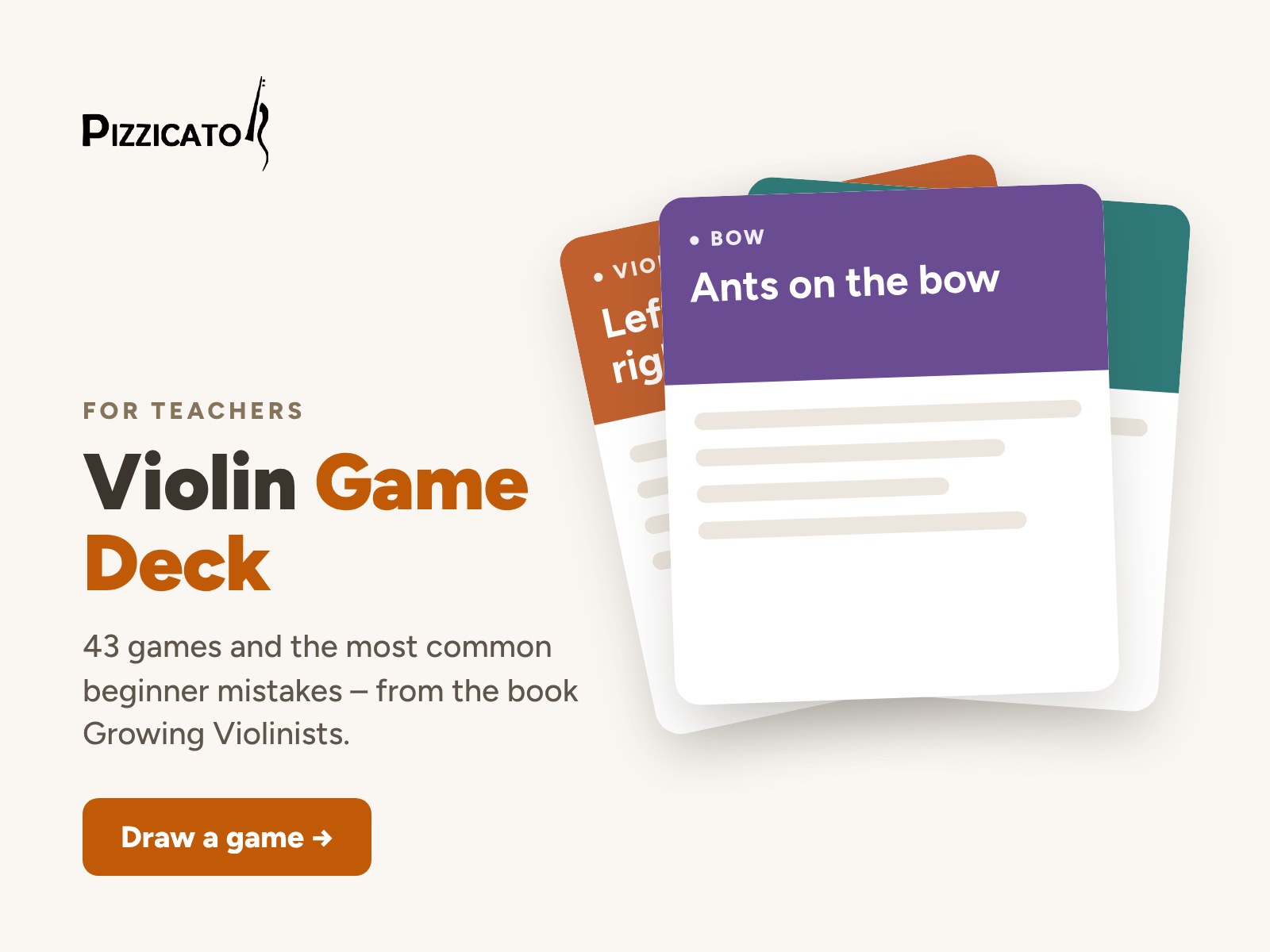
Violin Game Deck is an app for violin teachers: 43 games for beginners from the book Growing Violinists, plus “What’s going wrong?” – the most common beginner mistakes, why they happen and which games help.
It works in the browser on a phone, tablet or computer. No installation and no sign-up.
When instructions don’t help, a game does
“Relax your shoulders.” “Don’t squeeze the bow.” A student hears it for the tenth time, and the arm still does the old thing. Children learn through their bodies and through play: when the task becomes a game, the movement changes without constant correcting.
What’s in the app
- 43 games in six areas: holding the violin, left hand, ear and intonation, bow and right hand, musicality, and reading.
- Draw a game: a random game for the lesson, by area or only games with no violin needed.
- What’s going wrong? Pick a mistake, see why it happens and get the games that help.
- Lesson plan (Pro): put games together, set the minutes and print the plan.
- Notes, printable cards and projector view (Pro).
Free and Pro
Free: the list of all 43 games, one game from each group and one common mistake from each area in “What’s going wrong?”.
Lesson Games Pro – €12, one-time purchase, no subscription: all games, the whole “What’s going wrong?”, lesson plan, notes, printable cards and projector view.
Pizzicato Teacher’s Desk – €34: Pro in every Pizzicato tool, Violin Size and 19 printables, on up to 5 devices.
Gumroad adds VAT at checkout where it applies. Refunds are possible within 14 days.
How to unlock Pro
After buying, open the app, tap Pro and enter the e-mail you used at checkout. You will get a link – open it on the device where you want Pro. You can also paste the license key from your Gumroad receipt. If anything doesn’t work, write to info@studiopizzicato.hr and we will unlock it for you.
Step-by-step help: Pizzicato Pro – help.
From the book Growing Violinists
The games and tips come from Growing Violinists by Ines Ana Tomić, built on many years of teaching young violinists. The book explains why the games work and how to fit them into a lesson.
Frequently asked questions
Yes. The list of all games is free, and one game from each group opens for free. In “What’s going wrong?” one common mistake from each area is free. Lesson Games Pro unlocks the rest.
No. Violin Game Deck works in the browser on a phone, tablet or computer, with no sign-up.
Yes, in Pro. The projector view shows the game in large type for group lessons and workshops.
Lesson Games Pro unlocks on up to 3 devices. Pizzicato Teacher’s Desk works on up to 5 devices.
All Pizzicato teaching tools in one place: Pro in every tool (Tuner, Metronome, Notko, Where Are the Fingers, Lesson Games), Violin Size and 19 printables for your studio.
All games and the tips in “What’s going wrong?” come from the book Growing Violinists by Ines Ana Tomić.
Questions? Write to info@studiopizzicato.hr.