
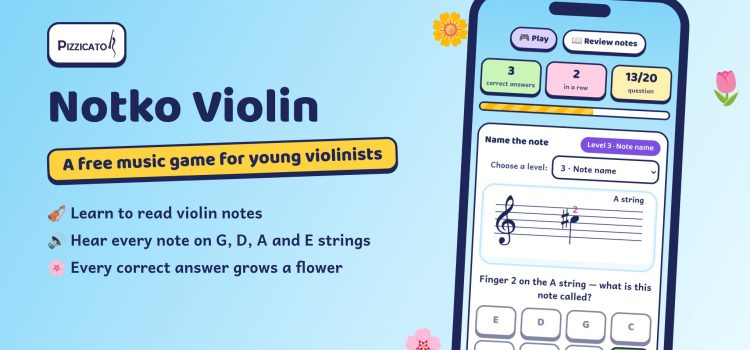
Learning violin notes can be fun! Notko Violin is a free music game for children who are starting the violin. Look at the note on the staff, pick the right answer, hear how it sounds – and grow a new flower in your music garden for every correct answer.
No sign-up, no app to install. It works on phones, tablets and computers.
Why kids love this violin notes game
- Little by little, note by note. Five levels take your child from the open strings to reading notes and fingers on their own.
- See it, hear it. Every note plays its sound, so children connect the note on the page with the tone on the violin.
- Rewards, not pressure. No timers and no penalties. Correct answers grow flowers, and every finished level ends with a printable certificate.
- Made for the violin. All notes are in first position on the G, D, A and E strings, written in the treble clef.
- Review without guessing. In “Review notes” children can calmly look at and listen to every note on all four strings, with names and fingers.
How it works
- Open strings: name the G, D, A and E strings.
- Finger number: you know the note – which finger plays it?
- Note name: read the note on the staff and name it.
- Note & finger: choose the right pair.
- On your own: pick the note name and the finger separately.
Each level has 20 questions. At the end, your child sees their score and can try to beat their best result.
Keep learning with Let’s Play Violin!
Notko Violin uses the same first-position notes as Let’s Play Violin!, our beginner book series for young violinists, so the game and the book go hand in hand.
For parents and teachers
Parents: you don’t need to read music to help. The game shows the right answer and explains every mistake. Five to ten minutes a day is plenty.
Teachers: choose any level directly and assign exactly what your students are practising this week. Teaching beginners? Growing Violinists – Teaching Beginners with Joy, Structure and Heart is written for you.
Classroom poster 🖨️
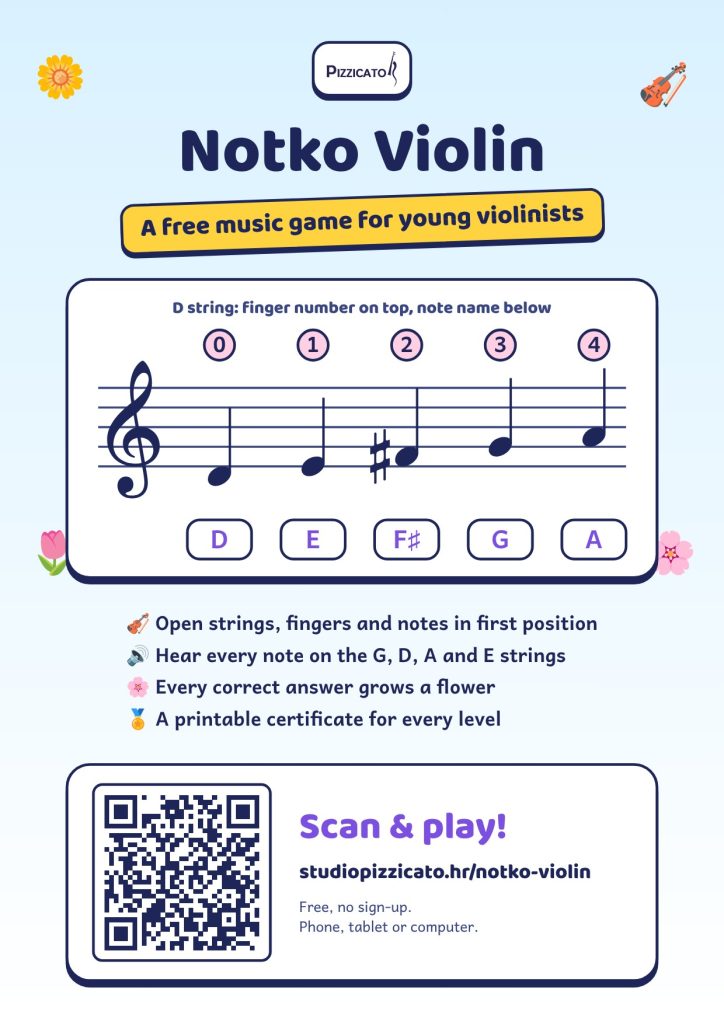
Print the A4 poster with a QR code for your classroom or share it with parents on WhatsApp. Students scan the code and start playing – and the poster shows all the notes on the D string with finger numbers.
Frequently asked questions
Yes. Notko Violin is free and needs no sign-up or email address.
No. The game opens in your browser on a phone, tablet or computer.
Check your device volume. If you opened the game inside another app, open it in a browser (Chrome, Safari, Edge).
No. Progress is saved only on your own device and is never sent anywhere.
Who made Notko Violin?
Notko Violin was created by Studio Pizzicato – Mr. art. Ines Ana Tomić, a string pedagogue and author of beginner violin and viola books with more than 25 years of teaching experience.