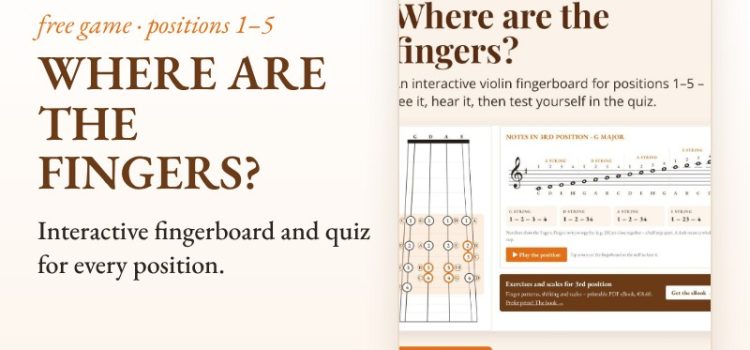
When students first move into violin positions, the question is always the same: “So where does each finger go now?” A chart on paper helps, but it doesn’t click until they see it. That’s why we made Where are the fingers? – a free interactive fingerboard that shows every note in every position, with sound.
What the app shows
- positions 1 to 5 – on the fingerboard and on the staff at the same time
- keys C, G, D, A, F and B♭ major – fingers move to where they really are
- finger spacing – fingers written together (e.g. 23) touch: a half step; a dash means a whole step
- two positions side by side – e.g. 1st and 3rd – to see which notes stay and which finger changes
- note names – show or hide them, depending on whether you practise reading or fingers
Tap a note on the fingerboard or the staff to hear it. Play the position plays all notes in order – great for ear training and for checking intonation with the instrument.
Quiz: find the note on the fingerboard
A note appears on the staff and the student taps where it’s played. Ten notes per round; nine or ten correct earns a position badge. Collect badges and print a certificate with the student’s name.
How to use it in lessons and at home
- Before a new position – five minutes on the fingerboard: where is the first finger, where are the half steps?
- With the violin – play a note, then play it in the app and compare intonation.
- Quiz as a warm-up – one round at the start of the lesson or practice.
- Compare positions – before practising shifts, find the “bridge” note between them.
It runs in the browser on phones, tablets and computers. No installation, no sign-up.
Exercises for violin positions
Once students know where the fingers go, the work moves to the instrument. Exercises and Scales for Violin Positions gives each position (2nd–5th) finger patterns, all six types of shifts and one- and two-octave scales. It is also available as eBooks.
Hrvatska verzija: Pozicije na violini: gdje su prsti?